Wind–Electrolyzer DC-Link Voltage Stability and Dynamic Response in MATLAB Simulink & Simscape
Evaluate a wind-generation-to-electrolyzer DC-link interface under wind-power fluctuations and electrolyzer load changes.
Research objective
Evaluate a wind-generation-to-electrolyzer DC-link interface under wind-power fluctuations and electrolyzer load changes.
Software and model scope
Primary environment: MATLAB/Simulink & Simscape. Discipline: Electrical Engineering. The video provides a project demonstration; source models, solver settings and plots should be checked against the actual implementation before reuse.
Simulation / modelling methodology
- Model the wind-side source or generator/converter and explicitly define whether power is controlled or averaged.
- Represent the DC-link capacitor and energy conservation between wind injection, converter losses and electrolyzer draw.
- Include the electrolyzer stack’s voltage-current characteristic and, where appropriate, power or current limiting.
- Apply wind ramps, load steps and converter reference changes while monitoring stability and settling.
Outputs and checks for validation
- DC-link voltage transient, ripple and overshoot
- Wind power, converter power and electrolyzer power balance
- Stack voltage, current and estimated hydrogen-production proxy under stated assumptions
- Controller duty ratio/current command and current/power limiting events
How to interpret results
Large voltage excursions imply momentary power imbalance, not automatically instability. Distinguish overshoot, settling and sustained oscillation; a hydrogen-rate estimate needs an explicit electrochemical model and efficiency assumptions.
Verification caveat: Use consistent electrical power signs; account for capacitance and stored energy; avoid inferring stack degradation or thermal effects from an idealized electrical model.
Applications for OEM and PhD research
Wind-to-hydrogen conversion, renewable-power smoothing, electrolyzer integration and power-electronics stability research.
Project thumbnail
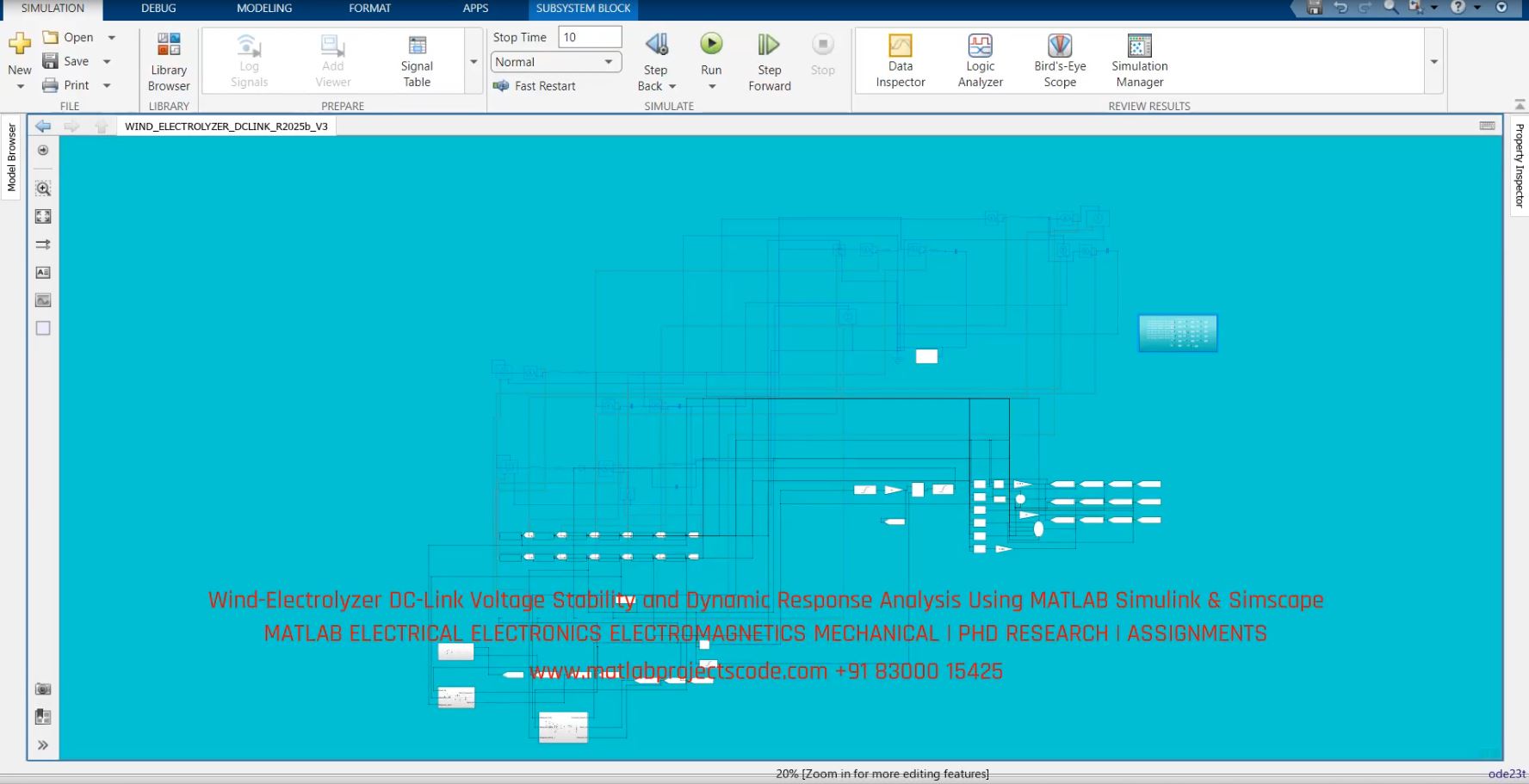
Preview image is matched to the hosted file after media synchronization.
Frequently asked questions
Which software is used for this simulation?
MATLAB/Simulink & Simscape is the primary environment named in this project.
What should be checked before using its results?
Use consistent electrical power signs; account for capacitance and stored energy; avoid inferring stack degradation or thermal effects from an idealized electrical model.
Can this project support a new research comparison?
It can serve as a reference workflow, but any new claim requires a fresh model, documented parameters, independent validation and genuinely measured outputs.
Important notice
contents are for representative purposes, actual content may vary
OEM / PhD Research Enquiry
Request the model scope, software requirements, validation plan and expected deliverables for this topic.
Contact the simulation team WhatsApp +91 83000 15425