Hybrid PV-Battery-Supercapacitor Electric Vehicle with BLDC Motor Control MATLAB Simulink Simulation
Renewable-energy and microgrid simulation workflow for PV, BESS, EV charging and grid-forming inverter control. This page is structured for engineering students, OEM teams and PhD research scholars looking for simulation output references, waveform explanation and model implementation support.
PROJECT_THUMBNAIL
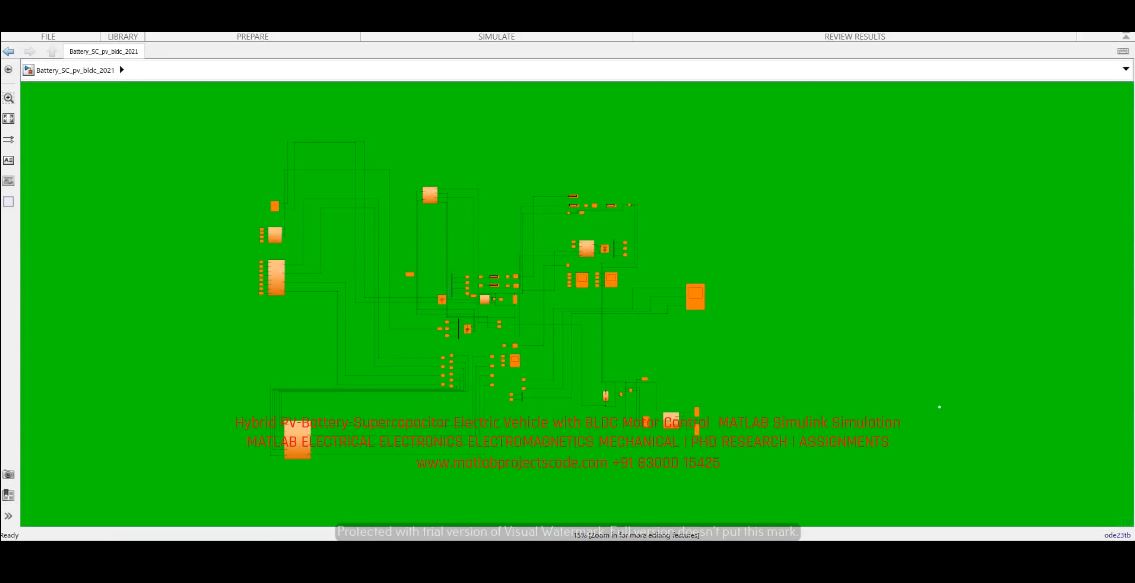
Project Objective
Renewable-energy and microgrid simulation workflow for PV, BESS, EV charging and grid-forming inverter control. The objective is to present a verified simulation workflow with clear output interpretation, model-study direction and project documentation support.
MATLAB/Simulink, scopes, control blocks, signal logging and waveform analysis.
droop control, energy-management logic, MPPT/charging coordination, grid-forming voltage-frequency regulation and microgrid dynamic control.
DC-link voltage, battery SOC, PV power, inverter voltage/current, frequency, load sharing, power balance and transient response.
smart grids, islanded microgrids, EV charging infrastructure, PV-BESS systems, OEM studies and PhD renewable-energy research.
Simulation Model Explanation
The model can be used to study controller behaviour, transient performance, input/output response and result quality under representative operating conditions. The project page supports model verification, research report preparation, waveform interpretation and implementation discussion for Renewable Energy workflows.
Result Interpretation
Result interpretation focuses on stable response, improved regulation, reduced error or harmonic content, and useful comparison between reference command and measured simulation output. The displayed video and thumbnail provide a quick visual check before contacting for the full model, code, explanation or documentation.
Need this simulation model?
Share the project title, software version, required outputs and deadline. We support OEM-style validation, PhD research implementation, report writing and waveform explanation.
Open Contact Page →